
MOBILE APP
iPhone:
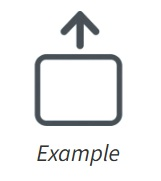
Click on the share icon located at the bottom or top of your screen (see example below). Next, scroll down to where it says "Add to Home Screen" and click on it. A new window will open with an Add link at the top. Click on Add and the app will be added to your home screen. You can then quickly access our menu choices.
Android phone:
Using the Chrome browser, a message should pop up asking if you want to download the app. Select yes and it will be added to your home screen. However, if the message does not appear, click the 3 dots located at the top right of your screen and scroll down to where it says "add to home screen." Follow the prompts and in seconds the app will be on your phone, ready to use.